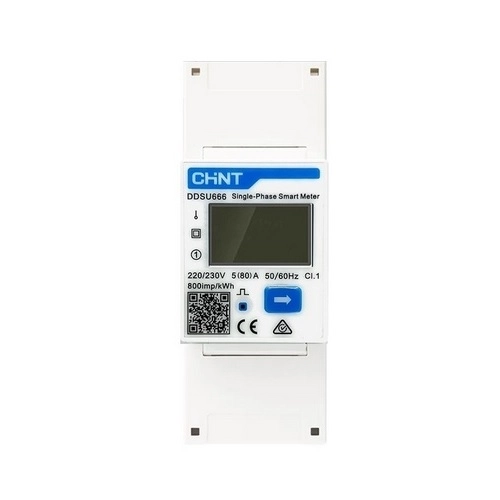
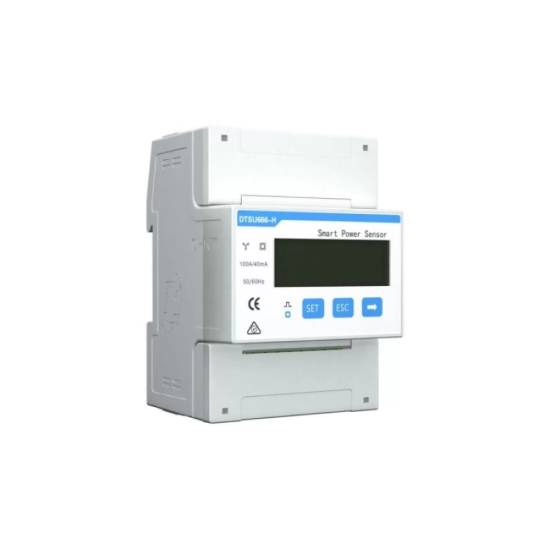
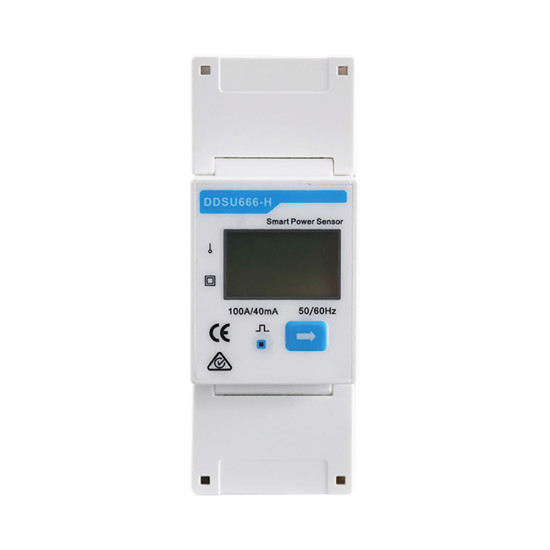
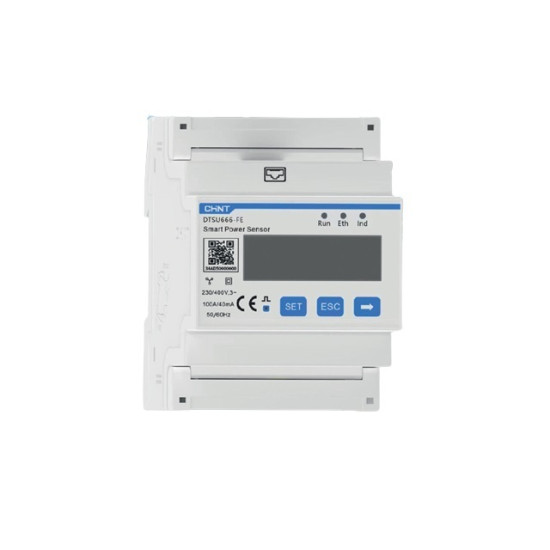
It is the meter that is fitted in the distribution board at the entrance to the house and tells the photovoltaic inverter what is happening with the energy: how much is being consumed, how much is left over and how much would go to the grid. Without this information, the inverter works blindly; with it, it can decide to send the surplus into the battery or to reduce the output so as not to feed into the grid. It is mounted on the rail in the board and is connected to the inverter with two thin signal wires.
It connects directly into the circuit, at 220-240 V, for currents of up to 80 A - enough for an ordinary single-phase connection - without measuring accessories mounted on the cables. Compared with solutions using a sensor clamped onto the conductor, the direct mounting is simpler and avoids a frequent mistake: the sensor mounted the wrong way round, which reports in reverse. It has its own screen, so you can check the values on the spot, without a phone, and an IP51 protection rating, suitable for the inside of a board. The export limitation is set either from the Growatt portal, through ShineLAN, ShineLink or ShineWiFi, or locally, with the ShineBus utility. It requires no maintenance.
Single-phase 1P2W meter built on the Chint platform (DDSU666), direct connection, 220-240 V AC, 50/60 Hz, maximum current 80 A, accuracy class 1, error 0.5% on voltage. RS485 communication in Modbus RTU at 9600 bps, default address 003 for the single-phase version, link on the A/B pair towards the COM port of the inverter. Mounting on a 35 mm DIN rail, protection rating IP51, LCD display. The imported and exported power values are read in real time by the inverter for export limitation (including zero export), prioritisation of self-consumption and, in hybrid systems, the command to charge or discharge the battery.
Who it suits
Suitable for a house with a Growatt photovoltaic installation on a single-phase supply and a current of up to 80 A, especially if the grid operator requires the feed-in to be limited or if you have a battery and want the surplus to go there first.
Terms explained
- Export limitation / zero export: A setting through which the installation produces only as much as the building consumes and does not send energy into the grid, when this is not permitted or not advantageous.
- Self-consumption: The part of the energy produced by the panels that you use yourself, instead of giving it to the grid - usually the most valuable part of the output.
- Modbus address: The identification number of the device on the data wire; if it does not match the one set in the inverter, the two do not "hear" each other.
Technical specifications
| Grid type | Monofazat 1P2W, conectare directă |
|---|
| Voltage | 220–240 V c.a., 50/60 Hz |
|---|
| Maximum current | 80 A |
|---|
| Accuracy class | Clasa 1 |
|---|
| Voltage accuracy | 0,5% |
|---|
| Communication | RS485, Modbus RTU, 9600 bps |
|---|
| Default Modbus address | 003 |
|---|
| Mounting | Șină DIN 35 mm |
|---|
| Protection rating | IP51 |
|---|
| Display | LCD |
|---|
Recommended applications
- Limitation of the export to the grid (including zero export) on Growatt single-phase installations
- Monitoring of self-consumption and of the energy fed into the grid
- Management of battery charging in Growatt hybrid systems
- Metering for reporting in the ShineServer portal / ShinePhone app
Technical details
Series-level specifications — valid for the product family
Growatt SPM-C is the single-phase smart meter from the Growatt accessory range, built on the Chint platform (DDSU666). It is mounted on a 35 mm DIN rail in the connection board and is connected directly into the circuit, at 220–240 V AC, 50/60 Hz, for currents of up to 80 A, without external current transformers. The accuracy class is 1, with an error of 0.5% on voltage.
The meter communicates with the inverter over RS485 in the Modbus RTU protocol, at 9600 bps, the default address being 003 for the single-phase version. The link is made on the A/B pair towards the COM port of the inverter, and the imported/exported power values are read in real time by the inverter. Based on this reading the inverter can apply the limitation of the export to the grid (including zero export), can prioritise self-consumption and, in hybrid systems, can decide the charging/discharging of the battery.
Compared with solutions using a clamped CT sensor, the direct mounting is simpler and eliminates errors in the orientation of the transformer. The meter has an LCD display for local checking of the quantities and an IP51 protection rating. The export limitation is configured either from the Growatt portal (through ShineLAN/ShineLink/ShineWiFi), or locally, through the ShineBus utility.